About Image Workshop
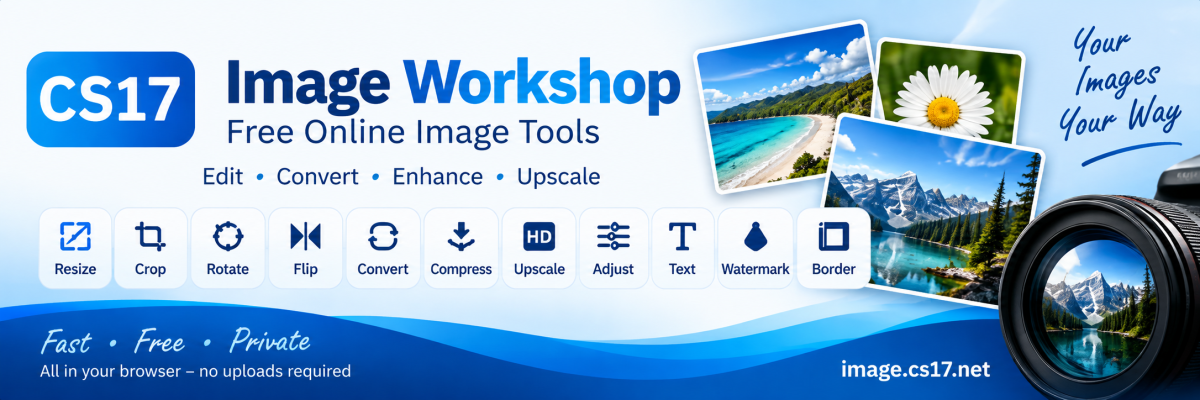
Image Workshop is a free online image editing tool designed to make everyday image editing simple, fast and accessible. Our aim is to provide useful image tools without requiring users to install complicated software or learn professional image editing programs. With Image Workshop, you can resize, crop, rotate, flip, convert, compress, upscale and adjust images directly in your web browser. You can also add text, shapes, markup, watermarks and borders before saving your finished image.
Simple Tools for Everyday Use
Image Workshop has been designed for both casual and practical use. Whether you need to resize a photo for a website, reduce an image for email, create a square image, convert a file to another format, add a watermark or make some quick adjustments, we want the process to be straightforward. We focus on keeping the controls simple while still providing useful options when you need them.
Privacy First
Image Workshop is designed to process your images locally in your web browser wherever possible. Your images are not sent to us for normal editing. This means you can work on your images without having to upload them to an image editing service. Once you close or refresh the editor, Image Workshop does not keep a copy of the image you were editing.
Part of CS17
Image Workshop is part of CS17, a growing collection of free online tools designed to help with everyday tasks. CS17 includes tools for images, calculations, words, puzzles and other useful tasks, with more tools being developed over time. Our goal is simple: create useful online tools that are easy to understand, easy to use and available when you need them.
Always Improving
Image Workshop will continue to be improved as we develop new features and refine the existing tools. We want Image Workshop to remain fast, practical and easy to use without becoming unnecessarily complicated. Image Workshop — Free Online Image Tools
A CS17 Online Tool
Simple Tools for Everyday Use
Image Workshop has been designed for both casual and practical use. Whether you need to resize a photo for a website, reduce an image for email, create a square image, convert a file to another format, add a watermark or make some quick adjustments, we want the process to be straightforward. We focus on keeping the controls simple while still providing useful options when you need them.
Privacy First
Image Workshop is designed to process your images locally in your web browser wherever possible. Your images are not sent to us for normal editing. This means you can work on your images without having to upload them to an image editing service. Once you close or refresh the editor, Image Workshop does not keep a copy of the image you were editing.
Part of CS17
Image Workshop is part of CS17, a growing collection of free online tools designed to help with everyday tasks. CS17 includes tools for images, calculations, words, puzzles and other useful tasks, with more tools being developed over time. Our goal is simple: create useful online tools that are easy to understand, easy to use and available when you need them.
Always Improving
Image Workshop will continue to be improved as we develop new features and refine the existing tools. We want Image Workshop to remain fast, practical and easy to use without becoming unnecessarily complicated. Image Workshop — Free Online Image Tools
A CS17 Online Tool